 Titan AI
 Connect an AI client
Choose the client you already use, connect it to Titan AI, and install the skill.
Connecting takes two things: the connector, which gives your client access to your Amazon data, and the skill, which teaches it how to use that data the way a Titan operator would. Do both. The connector without the skill gives you a client that can read numbers but has no idea what matters.
Choose your client

Claude
Claude on the web and desktop. The shortest setup, and the one most members use.

Claude Code
The terminal client. One command to install.

Cowork
A third-party client with its own way of working.

OpenClaw
Still supported, no longer recommended. Read the page before using it, because it does not ask before it acts.

Custom MCP
Anything else that speaks MCP. Same server URL, generic steps.
The server URL
Every client needs this, and it is the same for everyone:
https://titanconnect.titannetwork.com/api/mcp
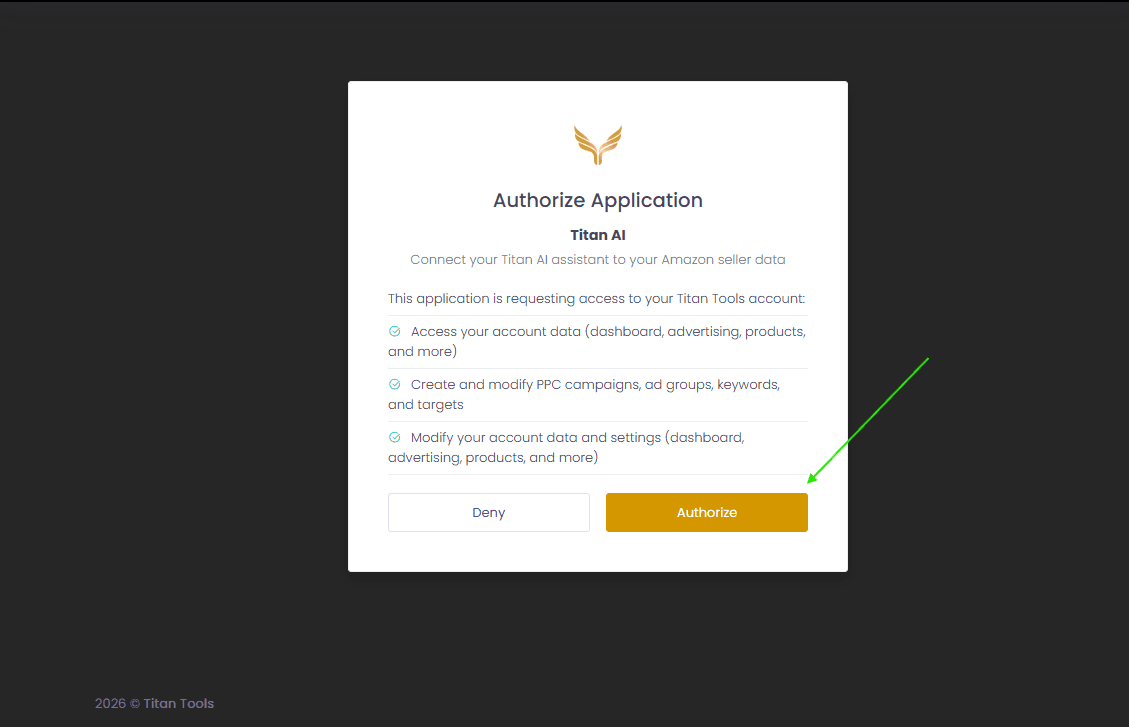
You will not need an API key. Signing in happens in your browser the first time your client connects.
Install the skill
- 1
Download the skill bundle
Get it from titanconnect.titannetwork.com/titan-ai-skill.zip. That link is always the current version, so download it fresh rather than reusing an old copy. The skill was renamed from
titan-connecttotitan-aiin September 2026. If you already have the old one installed, remove it after you upload this, otherwise both stay active and compete. - 2
Upload it in your client
Where this lives depends on the client. In Claude it is under Customize, then Skills. Your client's page covers it.
Some of these tools change your live Amazon Ads account and spend real money. Your client will ask you to approve each one. Read what it is proposing before you approve it, and do not switch a Titan tool to always allow just to stop being asked. The prompt is the only thing standing between a misread report and a real spend.
Note that clients differ here, and the difference matters. Claude and Claude Code ask you per call. OpenClaw does not ask at all. That is covered on each page.